



Table of Contents
The week before Thanksgiving can make an ordinary kitchen feel like the busiest room in the house. Someone checks when relatives will arrive, another looks for a recipe, and the grocery list keeps growing even after the shopping is supposedly finished.
Meanwhile, somebody still needs to remember the oven timer.
A smart home device won’t prepare Thanksgiving dinner or organize the entire family for you. But having one place to check schedules, set reminders, follow recipes, and play music can make everyday tasks easier.
The Echo Show 15, Echo Show 11, and Echo Dot Max offer three ways to bring Alexa into your holiday routine. The question is whether your household needs a large family dashboard, a smaller kitchen screen, or simply a speaker that responds when you ask for help.
What Makes a Smart Device Useful During the Holidays?
A busy household doesn’t necessarily need more technology. It needs fewer things falling through the cracks.
A shared calendar can help family members see appointments, dinner plans, and upcoming visits. Voice-controlled timers help when your hands are occupied, while a shopping list everyone can update may prevent forgotten ingredients.
But convenience depends on where the device lives and how people use it.
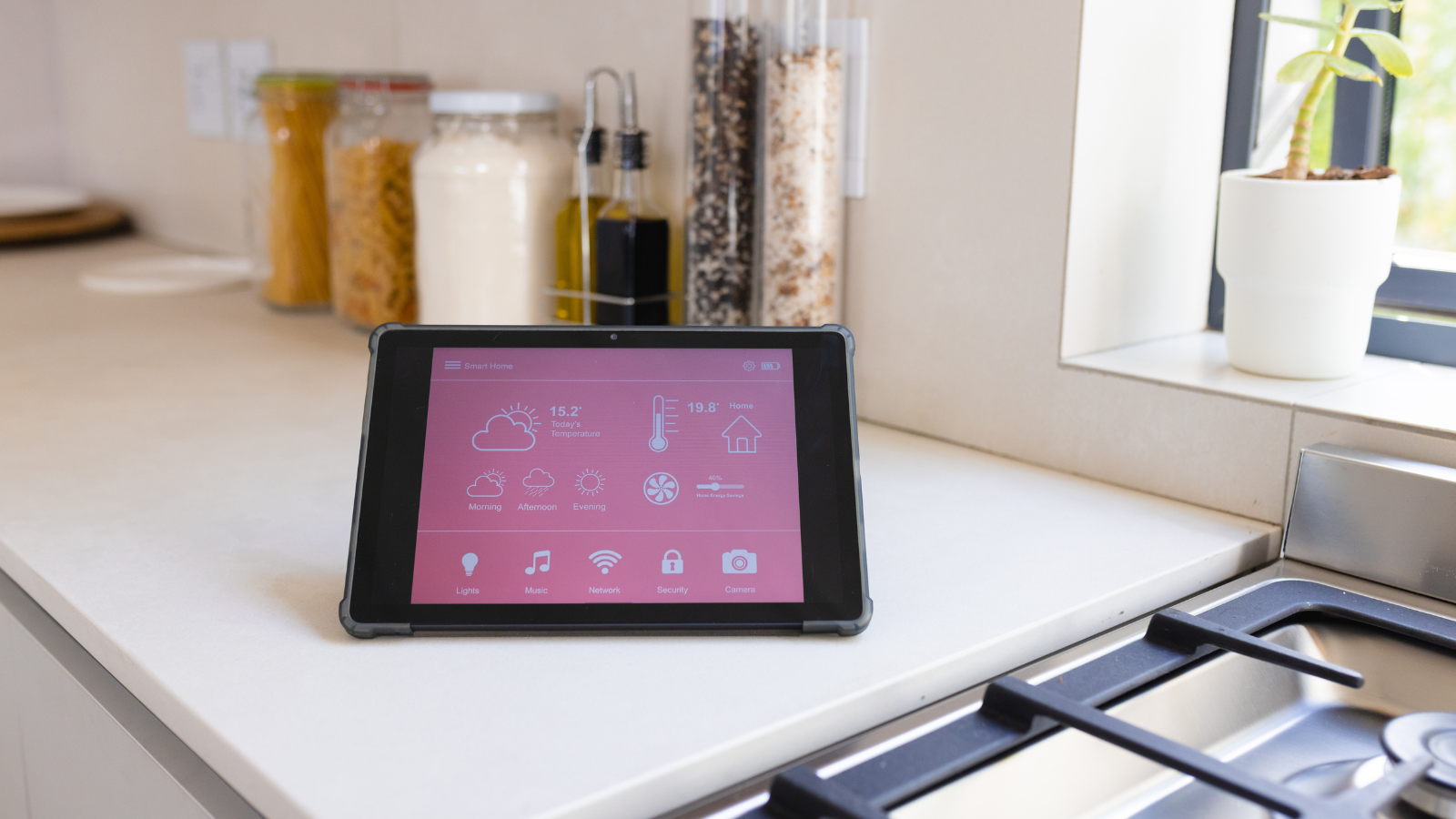
The kitchen is often the natural meeting point, although poor countertop organization can make a small kitchen feel increasingly crowded.
A wall-mounted screen avoids that problem. A countertop display keeps information close, while a compact speaker takes up considerably less room.
Three Echo Devices Worth Considering
Quick Picks
- Echo Show 15: Best for households wanting a large, wall-mounted family calendar and entertainment display.
- Echo Show 11: Best for kitchens needing a smaller touchscreen for recipes, reminders, and video calls.
- Echo Dot Max: Best for voice commands, music, and compatible smart-home controls without a screen.
All three support Alexa, but the experience is noticeably different.
1. Echo Show 15: A Shared Family Dashboard
A calendar on someone’s phone is useful until nobody else knows what’s on it.
The Echo Show 15 addresses that problem by giving the household a screen large enough to display information where people regularly gather.
The second-generation model has a 15.6-inch Full HD display and can be wall-mounted. Its customizable home screen supports widgets for shared calendars, shopping lists, reminders, and compatible smart-home controls.
For families coordinating holiday activities, that visibility can be convenient.
Someone preparing breakfast can check the day’s schedule, another family member can add groceries to the shopping list, and everyone can see upcoming appointments without searching through separate phones.
The Echo Show 15 also includes Fire TV, allowing the screen to double as a small entertainment display when the kitchen isn’t busy. Its 13-megapixel camera supports video calling, which could be useful when catching up with relatives who won’t be visiting.
The trade-off is its size and placement. Wall mounting requires a suitable location, and the screen remains visible even when it isn’t being actively used. It may also be more device than a household needs if everyone already manages their schedule comfortably from their phones.
Best suited to: Families wanting a shared information display in a frequently used room.
Check Price on Amazon2. Echo Show 11: A More Compact Kitchen Companion
Not every kitchen has room for a large wall-mounted screen. Sometimes, a smaller display beside the cooking area is more practical, particularly when you want to follow a recipe or check a timer without leaving the room.
The Echo Show 11 has an 11-inch Full HD touchscreen and is designed for countertop use. Its display can show recipes, calendar information, compatible camera feeds, and other Alexa-supported content. The device also offers spatial audio, video calling, and Amazon’s Omnisense technology, which can support certain routines based on environmental and presence-related signals.
If you are preparing a holiday meal, the Echo Show 11 could help keep instructions visible while setting several named timers. That becomes especially helpful when the oven is handling multiple dishes. Making room for Thanksgiving sides and other dishes often requires careful timing.
The smaller display also fits more easily in a modest kitchen than the Echo Show 15. However, its screen offers less room to display several widgets at once. It also needs a stable surface and an accessible power outlet.
Best suited to: Homeowners who want a touchscreen assistant for cooking, reminders, and everyday household tasks.
Check Price on Amazon3. Echo Dot Max: For Music, Timers and Voice Commands
Sometimes, adding another screen is the last thing a room needs. If your main priorities are playing music, checking the weather, setting timers, and controlling compatible smart devices, a speaker may be enough. The Echo Dot Max is a compact Alexa-enabled speaker without a display.
Amazon says it delivers nearly three times the bass of the fifth-generation Echo Dot, using a two-way speaker arrangement intended to produce fuller sound.
That makes it an option for kitchens and living rooms where music helps set the mood during gatherings. You can ask Alexa to set a reminder, update a shopping list, or control compatible lights without reaching for your phone.
The Dot Max also includes a built-in smart-home hub that supports compatible Zigbee, Matter, and Thread devices. Its biggest limitation is obvious: there’s no screen. You won’t be able to glance at a family calendar, watch recipe instructions, or make video calls through a display.
For some households, that simplicity is an advantage. For others, it removes the features that make the Echo Show devices appealing.
Best suited to: People who prefer voice controls and music rather than a visual household dashboard.
Check Price on AmazonEcho Show 15 vs Echo Show 11 vs Echo Dot Max: How They Compare
| Feature | Echo Show 15 | Echo Show 11 | Echo Dot Max |
|---|---|---|---|
| Display | 15.6-inch Full HD | 11-inch Full HD | None |
| Main strength | Shared family dashboard | Kitchen assistance | Voice and music |
| Video calls | Yes | Yes | No video |
| Smart-home controls | Yes | Yes | Yes |
| Best placement | Wall | Countertop | Counter or shelf |
The Echo Show 15 makes the most sense when several people need to see information throughout the day. The Echo Show 11 suits individual kitchen tasks, while the Dot Max focuses on hands-free convenience.
How to Make Your Holiday Command Center Actually Useful
Buying a smart device doesn’t automatically make a home more organized. Start with a few routines that solve real problems.
If family members keep forgetting appointments, set up a shared calendar and agree on who updates it. A digital display can make plans visible, but it won’t replace sharing the responsibility for everyday household planning.
For Thanksgiving, consider separate shopping and preparation lists.
It also helps to organize the kitchen into preparation, cooking, serving, and washing areas. A smart display can support that plan with reminders, but it can’t create counter space or wash the dishes. Keep routines simple. A reminder to prepare breakfast, an oven timer, and a shared grocery list may be more useful than dozens of automations nobody remembers.
What About Privacy?
Voice assistants are convenient because they’re designed to respond to spoken requests. That also makes it worth reviewing privacy settings.
According to the Federal Trade Commission, users should understand how voice recordings are handled and check the available microphone controls. Review recording settings, connected services, and household access before placing a smart assistant in a shared room.
For devices with cameras, familiarize yourself with the camera controls and privacy settings. A holiday gathering should feel comfortable for visitors, not leave them wondering whether the room is recording their conversations.
Frequently Asked Questions
Is Echo Show 15 better than Echo Show 11?
Not necessarily. Echo Show 15 provides more screen space for shared calendars and widgets, while Echo Show 11 is better suited to a countertop where you want recipes, reminders, and video calls nearby.
Can Echo Dot Max control smart-home devices?
Yes. It supports Alexa voice control and includes a smart-home hub for compatible devices. Available functions depend on the connected equipment and configuration.
Do these devices need Wi-Fi?
Yes. Their connected features require an appropriate internet connection, and some Alexa+ capabilities depend on account access, subscriptions, and regional availability.
Which Echo Device Belongs in Your Holiday Kitchen?
The right smart assistant depends on what your household actually needs.
Choose the Echo Show 15 if a large shared calendar and visible reminders would make life easier. The Echo Show 11 offers a more compact way to follow recipes, manage timers, and keep information nearby. For households that simply want music, voice commands, and compatible smart-home controls, the Echo Dot Max may be sufficient.
Whichever you choose, start with the routines that already matter to your family. A screen full of reminders won’t create a peaceful holiday on its own. But when everyone knows what’s happening and who’s handling each task, the kitchen can become a much more pleasant place to gather.